One family, four words
Retouching, enhancement, touch-up and correction all improve a photo. They differ in how deep the work goes.
What each one means
Correction fixes technical problems: exposure, white balance, color casts and crooked lines. It makes the photo accurate.
Enhancement raises the overall quality: light, contrast, color and sharpness. It makes the photo look better as a whole.
Touch-up is a quick, light fix of small things, like a blemish, a stray hair or a dust spot.
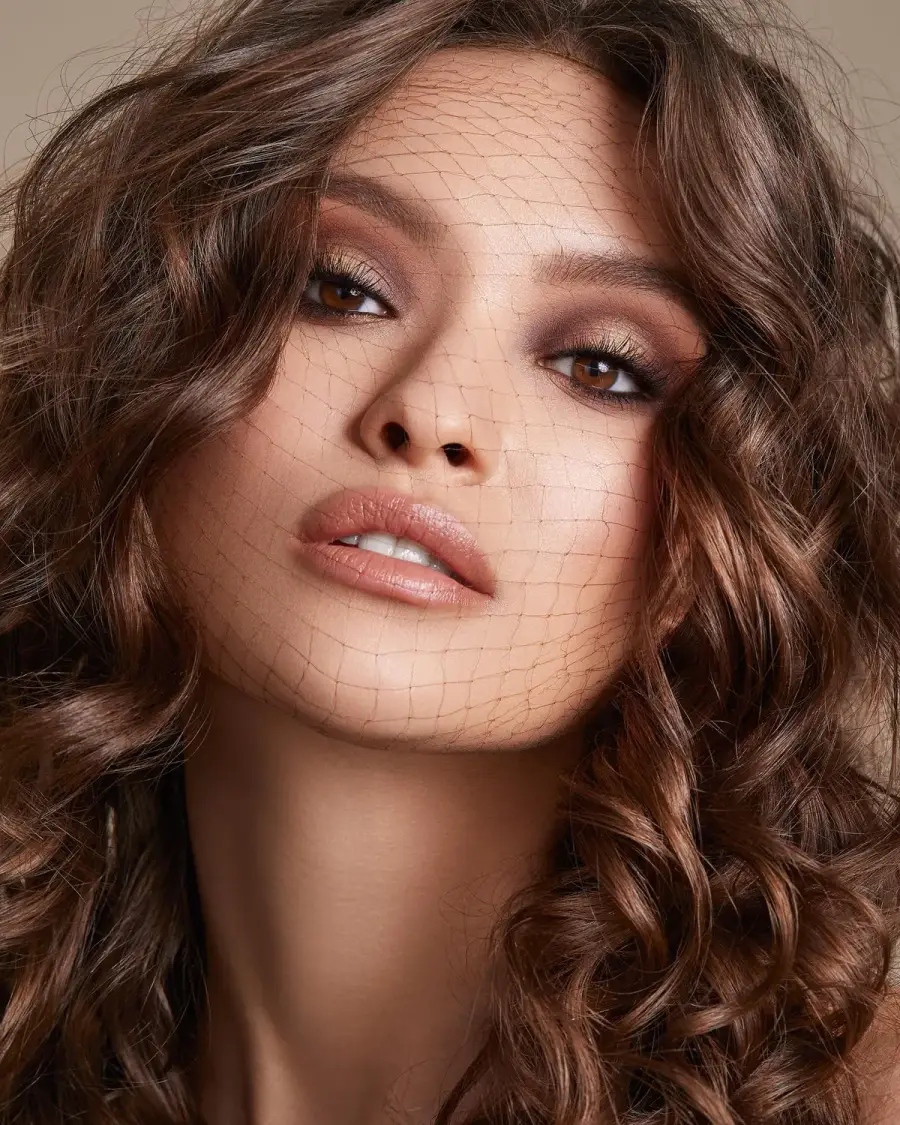
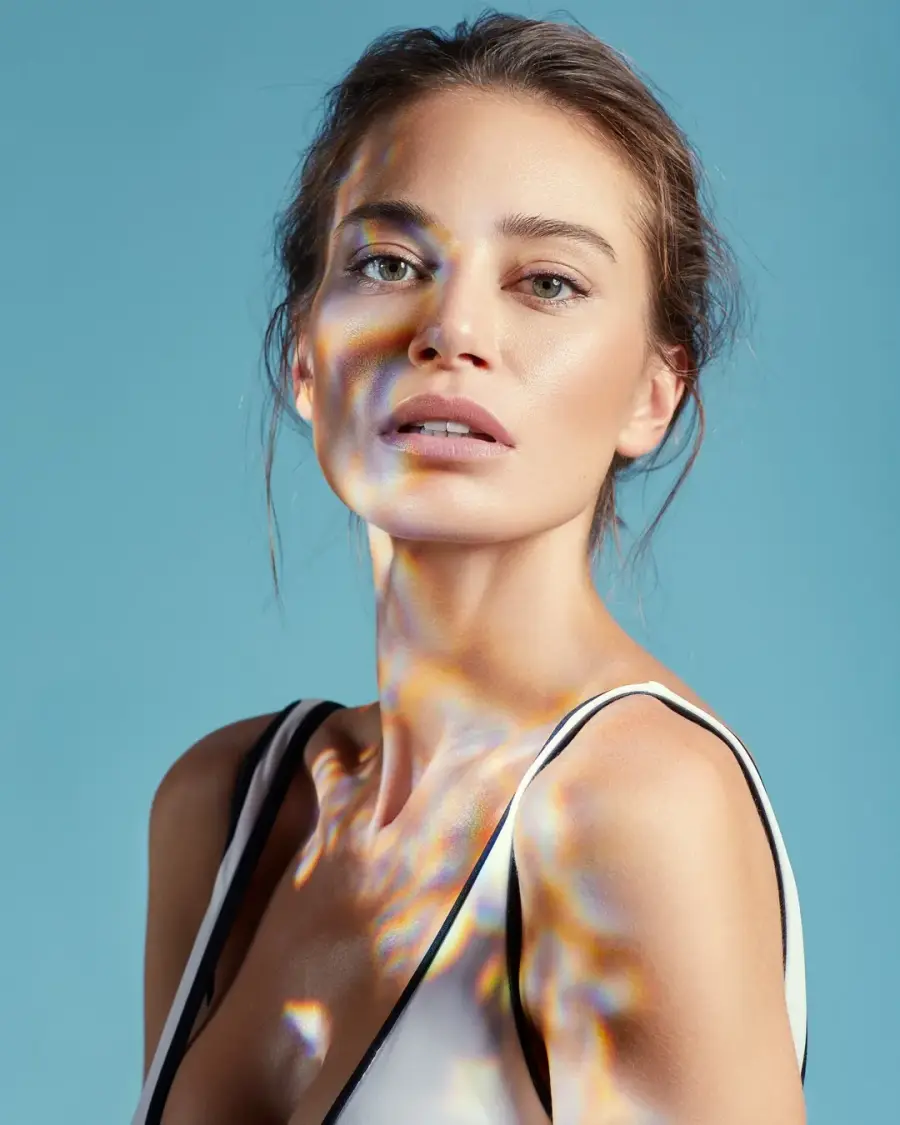
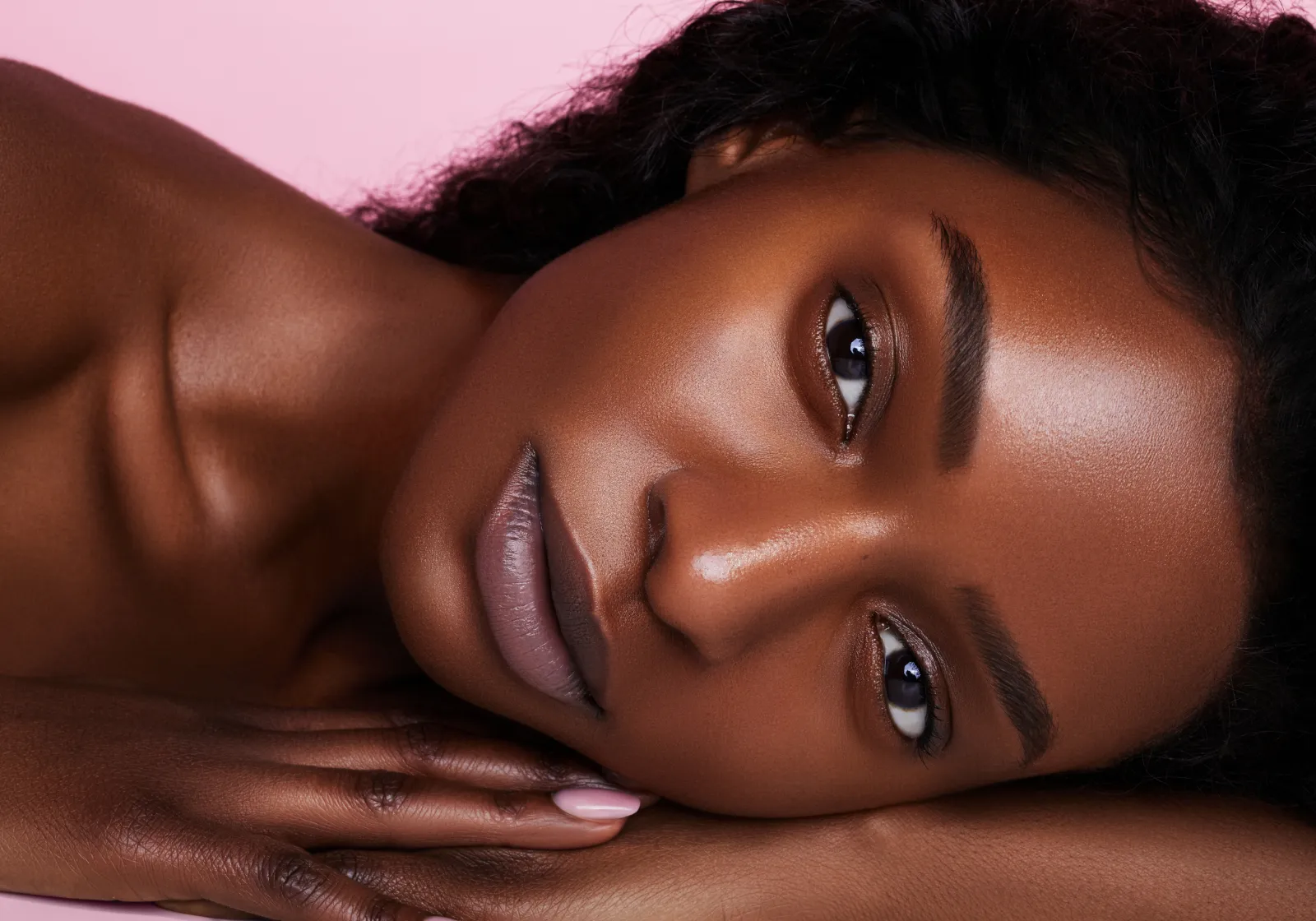
Retouching is the careful detail work: skin, hair, fabric, objects and shape, done area by area. It makes the photo look finished.
The right order
The best results come in order: correction first, then retouching, then enhancement and final color. Skipping correction means you retouch on a wrong base, and the work shows.
Which one do you need?
A holiday snapshot may need only correction and a touch-up. A portrait, a campaign or a listing usually needs all four. If you are unsure, send a few samples and ask.
A simple example
Take a portrait shot on a cloudy day. Correction fixes the cold color cast and the dark exposure. Retouching cleans the skin, tidies the hair and removes a distracting object. Enhancement then brings the light and color to a polished finish. Touch-up is what you do when only a single spot is wrong.
Knowing the words helps you brief a retoucher clearly and compare quotes fairly.
How to brief each one
For correction, say what looks wrong: too dark, too yellow, crooked. For retouching, list the details you want fixed and what to keep. For enhancement, describe the mood you like and send an example. For a touch-up, point at the spot.
A clear brief saves a revision round and gets you the result faster.
How the word affects the price
Light correction and touch-ups are quick and cost less. Full retouching of skin, hair and details takes a senior retoucher real time, so it is priced per image. Always ask for the price before you pay.
A note on tools
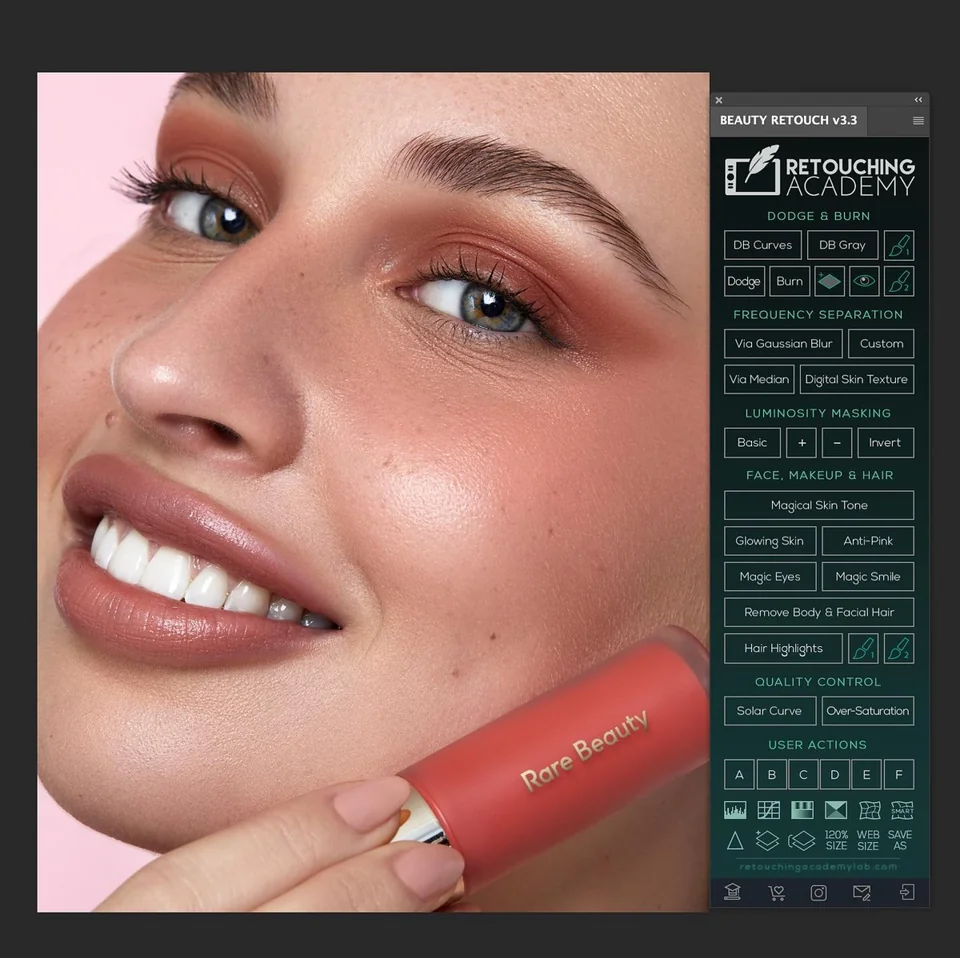
Apps usually mix all four into one button. By hand, each step is separate, which is why the result is cleaner and easier to adjust.

Ready to fix your photos?
Send a few images. You get a price and a deadline within 12 hours, before you pay.