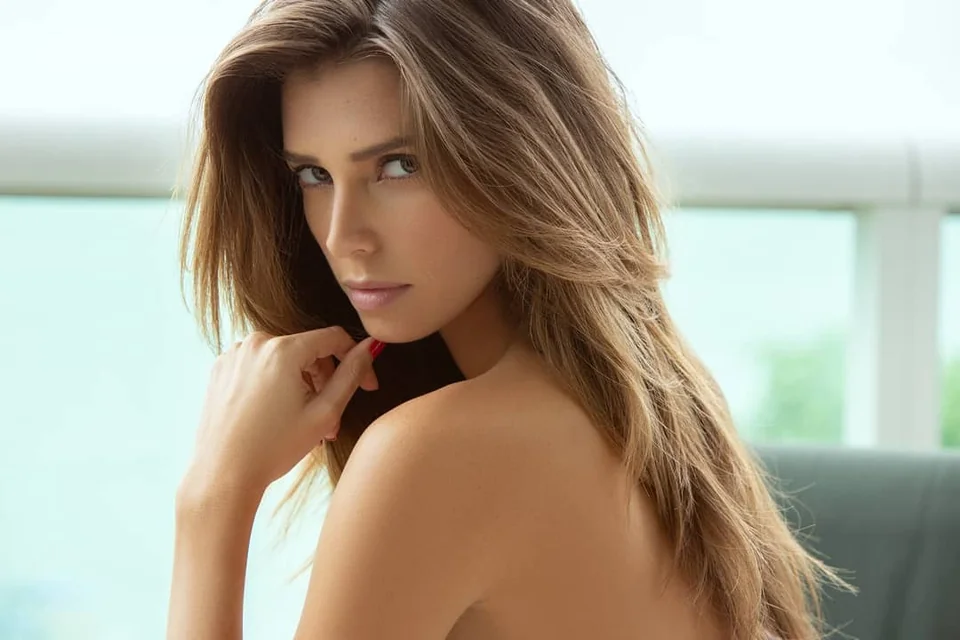
Why real camera photos get an AI Info label
Across r/photography, r/Lightroom, and r/Instagram, one frustration comes up every single week: a photographer shoots a real portrait, wedding, or commercial campaign on a Canon or Sony camera, edits it in Lightroom or Photoshop, posts it to Instagram—and Meta slaps an "AI info" or "Made with AI" badge right under their name.
For working photographers and luxury brands, that single label is damaging. Clients and followers immediately assume the image was faked with a prompt, even when 99.9% of the frame is real camera light.
The real trigger: C2PA Content Credentials & IPTC tags
Instagram is usually not analyzing your pixels to decide if a photo looks artificial. Instead, Meta's upload pipeline reads embedded C2PA Content Credentials and IPTC DigitalSourceType metadata (such as trainedAlgorithmicMedia or compositeWithTrainedAlgorithmicMedia) inside your JPEG or PNG before publishing.
Whenever you touch Adobe Generative Fill, Generative Expand, or Generative Remove—even for two seconds to erase a tiny power line, dust spot, or stray coffee cup—Adobe stamps the file with an AI-backed manifest. Meta's system treats a 2-second dust cleanup identically to an image generated completely from text.
Why manual Photoshop retouching never triggers the flag
At LightHouse Retouch, our workflow relies strictly on classic manual craft in Capture One and 16-bit Photoshop: micro Dodge & Burn, controlled Frequency Separation, traditional Clone Stamp, Patch Tool, and Pen Tool masking.
Because no generative AI models touch your pixels, zero generative C2PA or IPTC AI tags are written into your masters. Your delivered TIFF and sRGB JPEG files stay 100% authentic, preserve full 16-bit color fidelity, and publish on Instagram without triggering false "AI info" warnings.
How photographers can prevent or strip false flags
If you edit in-house and want to avoid false flags on real photos, photographers use three practical safeguards:
1. Use non-generative cleanup tools: stick to classic Clone Stamp and standard Healing instead of Generative Remove for small blemishes and background cleanup.
2. Check export settings: in Lightroom and Photoshop export panels, disable "Include Content Credentials" if you do not want manifests attached to social exports.
3. Avoid the screenshot workaround for client work: taking a phone or desktop screenshot strips metadata, but it crushes resolution, introduces banding, and shifts sRGB color profiles.
Natural retouching without losing quality
Clients today specifically look for natural retouching—skin that still has real pores, fabric that keeps its weave, and photography that does not carry an AI badge or plastic sheen.
If you have a portrait, beauty, fashion, or commercial shoot where every detail needs to stay genuinely human, send your original RAW files for a personal quote within 12 hours.

Keep your photography 100% authentic and label-free
Send your original RAW files for manual natural retouching (from $40–$50/image). No generative AI tools, no synthetic skin, and clean delivery within 3–7 days.