What changed with Affinity
Affinity, the photo and design suite from Serif, was bought by Canva in March 2024. In late 2025 Canva relaunched it as one free app for Mac and Windows that combines Photo, Designer and Publisher. You need a free Canva account to use it, and some AI features are for Canva subscribers. Check the current terms on the official site, because they can change.
Other free Photoshop alternatives
GIMP is a free, open-source editor with many Photoshop-like tools. Photopea runs in a browser and opens Photoshop files. Both work for crops, color fixes, simple cleanup and basic retouching, and both take time to learn.
Download risks
Searches for a free photo editor are full of fake download sites. Some show a real-looking link and then send you a different program. Cracked copies of paid software often carry malware.
Safer rules: type the official address or follow it from the company's own page, skip ads, never use a crack, and scan every file before you run it. If a site asks you to turn off your antivirus, close it.
What free tools do well
For your own snapshots a free editor is enough. You can fix exposure and color, crop, remove a small object and learn as you go.
The tool or the hands?
Free editors are fine for learning and quick jobs. Photoshop is still the tool most retouchers use for detailed work, but the tool matters less than the hands behind it. A trained retoucher gets better results in less time than a beginner with any software.
When a Photoshop retoucher is worth it
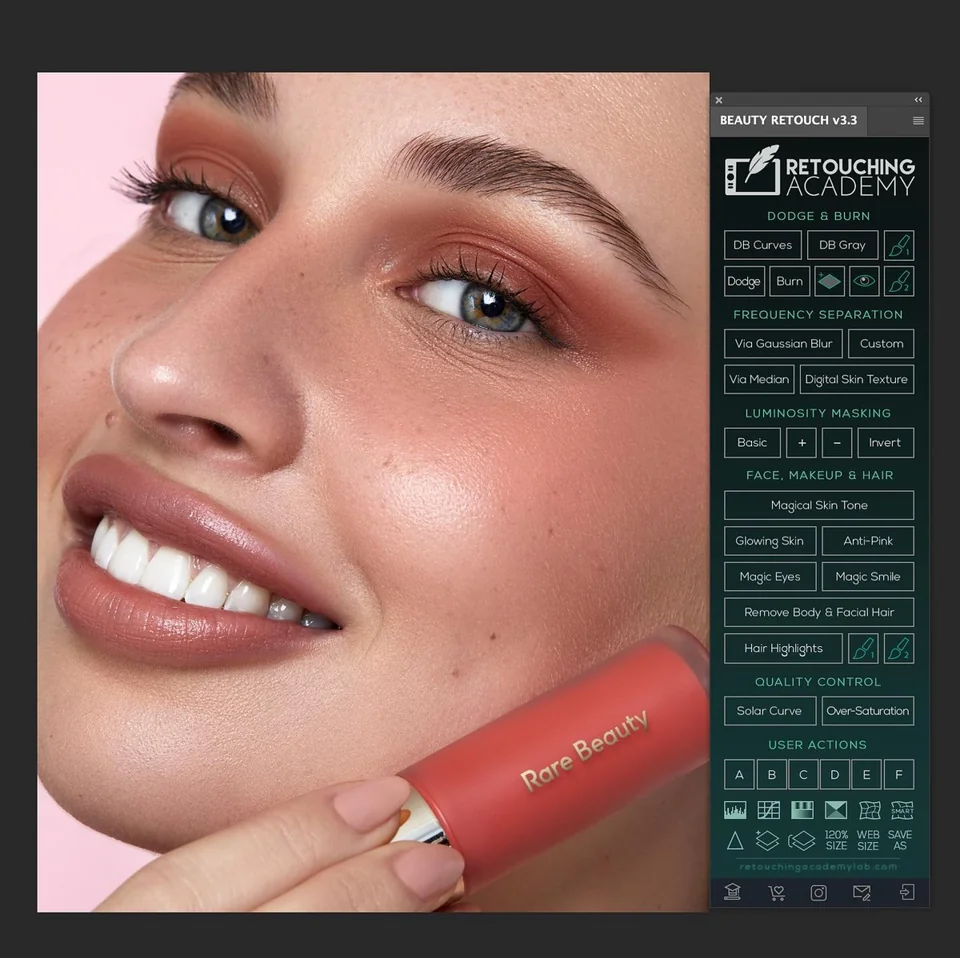
Skin that still looks like skin, clean hair, believable shape changes, matching colors across a whole set and print-ready files take years of practice and hours per image. Our retouchers work by hand in Photoshop, with Camera Raw and 16-bit color, and edit one area at a time, not with an automatic filter.
If the photo matters, send it to Photoshop editing experts.
How to decide
Try a free tool on a spare photo. If you like the result and the time it takes, keep going. If you need it perfect, fast or in volume, send two or three samples and we reply with a price and a deadline within 12 hours.

Skip the learning curve. Let Photoshop experts do it.
Send a few photos. A senior retoucher edits them by hand in Photoshop and replies with a price and a deadline within 12 hours, before you pay.