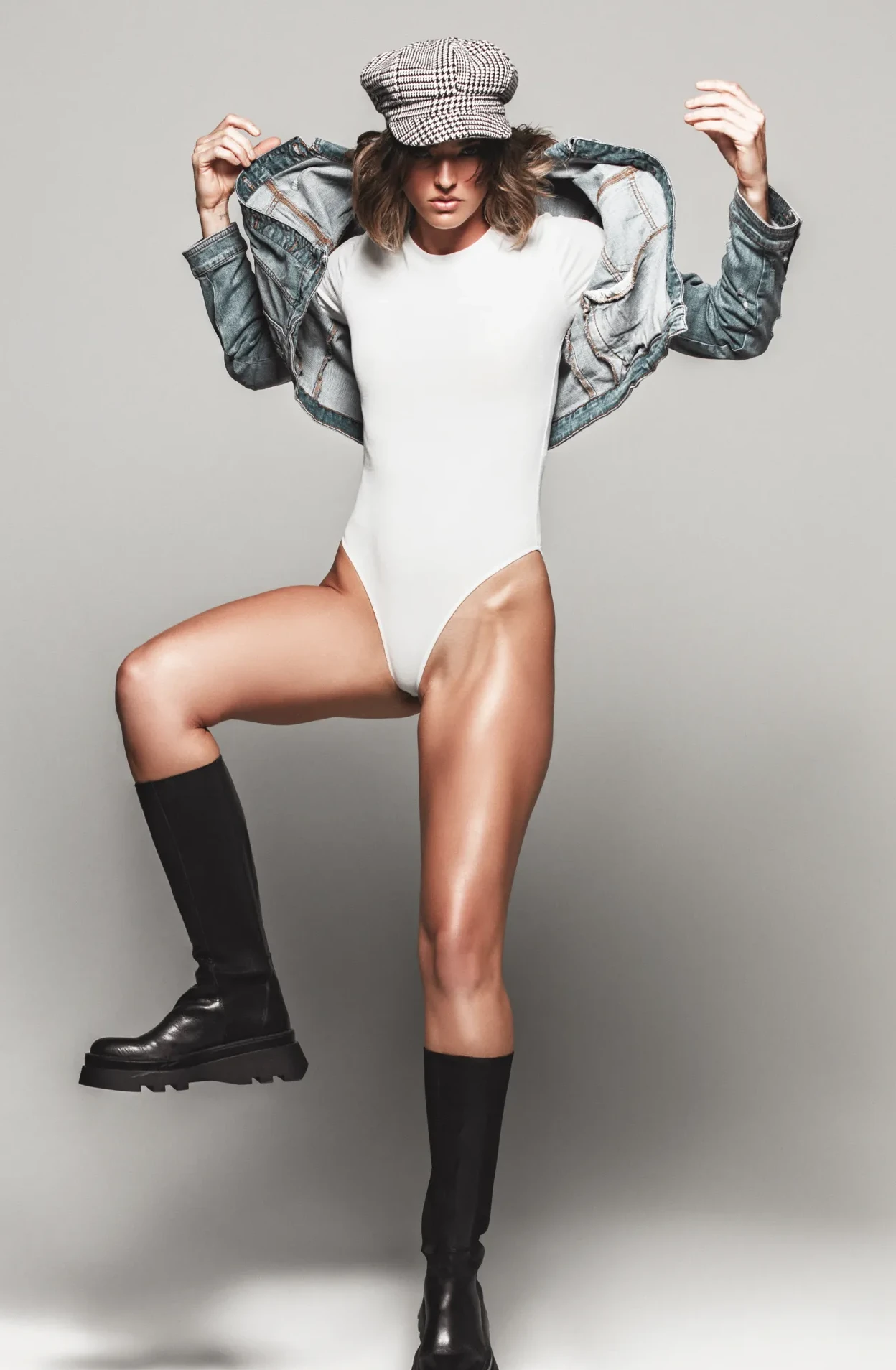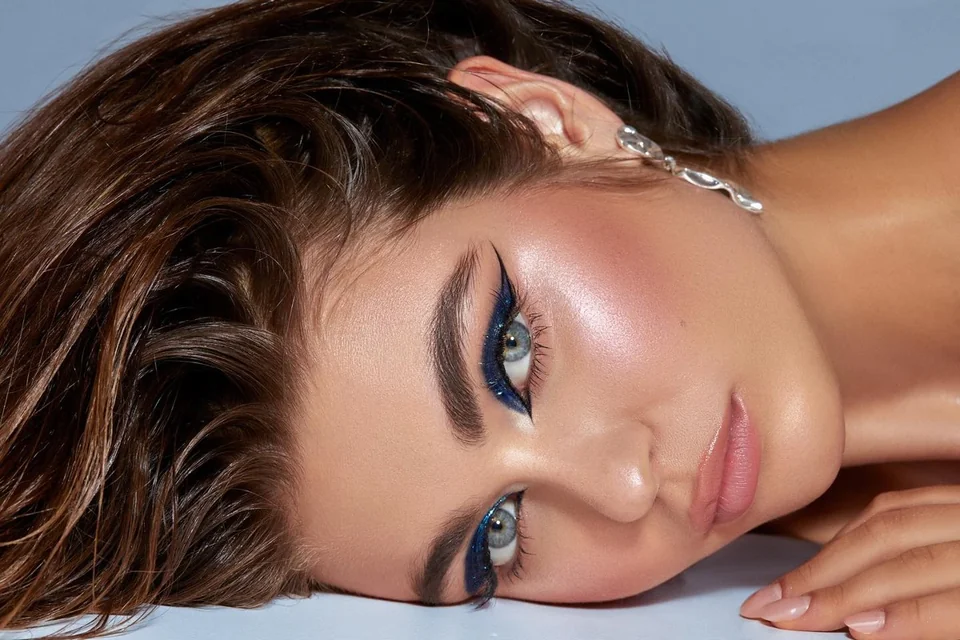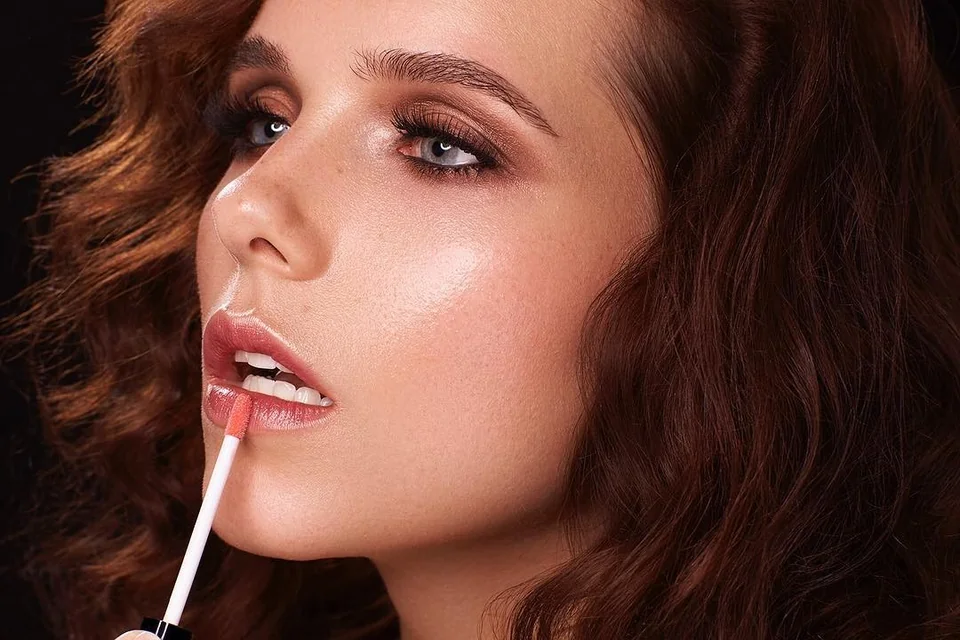
Why people look for a fix the photo alternative
Most photographers and brand directors do not start out wanting to redo their retouching. They try a quick automated tool or a high-volume filter, open the delivered JPEG at 100% zoom, and immediately spot plastic skin, smeared eyelashes, or flat fabric.
At that point, you do not want another filter—you need a human fix the photo alternative that treats each frame as an individual piece of work rather than a preset batch.
Four things automated edits break first
1. Skin pores and freckles: bulk smoothing tools wipe out micro-texture on cheeks and foreheads, leaving a waxy surface while eyes remain overly sharpened.
2. Eyeglass glare and highlights: automatic algorithms blur over reflections instead of reconstructing the iris and lash line underneath.
3. Delicate fabrics and studio backdrops: linen, silk, and knitwear lose their weave when de-wrinkled by automated frequency brushes.
4. Jewelry and metal edges: automated cleanup smudges diamond facets and turns brushed gold or platinum into muddy gradients.
Why the original RAW file matters
One important truth: a senior retoucher cannot pull lost skin pores out of an already flattened, over-blurred JPEG. To fix the photo cleanly, we start from your unedited RAW capture (.CR3, .ARW, .NEF, .DNG) or the highest-resolution original.
Working in 16-bit color space preserves subtle highlight roll-off, true-to-life skin undertones, and clean print transitions.
Automated apps vs. manual studio retouching
Here is how an automated tool compares with a boutique human fix the photo alternative for work that actually represents your brand or portfolio:
| Factor | Automated / Bulk Apps | LightHouse Manual Retouching |
|---|---|---|
| Skin & Texture | Uniform blur, plastic pores | Micro Dodge & Burn, real pores intact |
| Glasses & Blown Highlights | Smudged patches or gray blobs | Hand-rebuilt iris, natural highlight roll-off |
| Color Depth | 8-bit compressed output | 16-bit ProPhoto / AdobeRGB + sRGB web & TIFF print |
| Pricing & Scope | Cheap presets, unpredictable quality | From $40 (Fashion/Family), $50 (Portrait/Beauty), personal quote for Commercial |
How to get an honest quote
Upload your original captures to Google Drive, Dropbox, or WeTransfer and tell us what went wrong or what look you need. We review every image personally and reply within 12 hours with a clear price and timeline—with optional Rush (+50%), Layered PSD/TIFF (+50%), and NDA (+10%) when needed.
Need a human fix the photo alternative?
Send your original capture and tell us what needs saving. Manual 16-bit Dodge & Burn starting from $40–$50 per image, reply within 12 hours.